Phishing awareness: how to spot and stop attacks
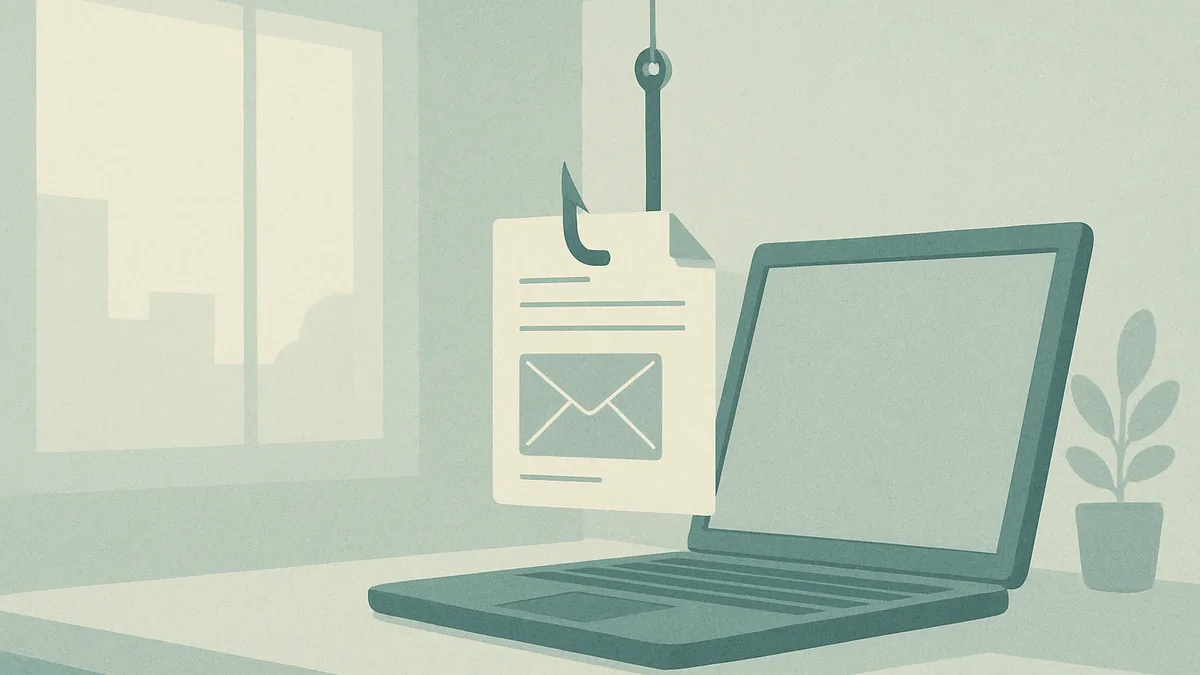
What phishing is and why it works
Phishing is a form of social engineering where an attacker impersonates a trusted person or organisation to trick you into revealing information, clicking a malicious link, or transferring money. The message might arrive by email, text, phone call, or even a chat application. What makes phishing effective is not technical sophistication but psychology: it exploits the way people react under pressure, trust familiar brands, and want to be helpful.
Most phishing attempts play on emotion. A message may create urgency ("your account will be suspended in 24 hours"), fear ("suspicious login detected"), curiosity ("you have an unpaid invoice"), or authority ("the CEO needs this done now"). When we feel rushed or worried, we skip the small checks we would normally perform. Attackers know that a busy professional scanning dozens of emails is far more likely to click without thinking.
Phishing also works because it scales cheaply. Sending a million emails costs almost nothing, so even a very low success rate is profitable for the attacker. This is why awareness matters for everyone, not just the IT team. A single person who clicks a bad link can open a door into an entire organisation. Understanding the mechanics behind these attacks is the first step toward recognising them calmly instead of reacting on impulse.
Common types of phishing attacks to know
Phishing comes in several forms, and knowing the vocabulary helps you spot the pattern. Classic email phishing casts a wide net, sending the same generic message to thousands of recipients while pretending to be a bank, a delivery service, or a popular platform.
Spear phishing is far more targeted. The attacker researches you or your company and crafts a personalised message, perhaps referencing a real project, a colleague's name, or a recent event. Because it feels specific and relevant, it is much harder to dismiss. Whaling is spear phishing aimed at senior executives, whose access and authority make them valuable targets.
Other variants use different channels. Smishing arrives by SMS, often with a shortened link about a parcel delivery or a payment problem. Vishing uses voice calls, where someone claims to be from technical support or your bank and pressures you into sharing codes. Business email compromise (BEC) involves an attacker impersonating a supplier or manager to redirect a payment or request a fake wire transfer, sometimes without any malicious link at all.
Quishing, a newer trend, hides malicious links inside QR codes on posters, invoices, or emails, betting that people scan them with a phone that has weaker protection. Whatever the label, the underlying trick is the same: build trust, create pressure, and prompt an action before you have time to verify.
Warning signs that reveal a phishing message
No single clue proves a message is phishing, but several signs together should raise your guard. Start with the sender. Look at the actual email address, not just the display name, and check for subtle misspellings or a domain that is close but not quite right, such as an extra letter or a different suffix.
Examine the tone and request. Legitimate organisations rarely demand immediate action under threat of account closure, and they almost never ask you to confirm a password or full card number by email. Be wary of unexpected attachments, especially compressed files or documents that ask you to enable macros.
Language can also betray a scam. Awkward phrasing, generic greetings like "Dear customer" instead of your name, and inconsistent branding are common in mass campaigns, though well-crafted spear phishing may be flawless. Hover over links, without clicking, to preview the real destination; if the visible text says one thing and the underlying address points somewhere else, treat it as suspicious.
Finally, trust your instinct when something feels off. A payment request that breaks normal procedure, a colleague writing in an unusual style, or an offer that seems too good to be true all deserve a second look. Slowing down for even thirty seconds is often enough to notice what an attacker hoped you would miss.
How to verify a suspicious email or link safely
When a message raises doubts, verify it through a separate, trusted channel rather than replying or clicking. If an email claims to come from your bank, open a browser and type the address yourself, or use the official app, instead of following the provided link. If a colleague or supplier asks for an urgent transfer, call them on a number you already know, not one supplied in the message.
Avoid clicking links or opening attachments to "check" them. If you need to inspect a link, hover over it to reveal the destination, and be cautious of shortened or unfamiliar domains. Where your organisation provides a tool to safely preview or scan links, use it. Never enter credentials on a page you reached through a suspicious message.
Pay attention to context. Was this expected? Does the request match normal procedures? Is the sender asking you to bypass a usual control, such as skipping approval for a payment? When in doubt, ask your security or IT team before acting. They would far rather answer a false alarm than deal with a compromised account.
Treat verification as a normal professional habit, not an accusation. Confirming a request protects both you and the person supposedly sending it. A quick check costs a minute; recovering from a successful attack can cost weeks.
What to do if you clicked or shared information
Everyone makes mistakes, and the worst response to a phishing incident is to hide it out of embarrassment. Speed matters far more than blame. If you clicked a link, entered credentials, or opened a suspicious attachment, act quickly to limit the damage.
First, if you entered a password, change it immediately on the real site, and change it anywhere else you reused the same one. Enable multi-factor authentication if it is not already active. If you shared payment or banking details, contact your bank without delay to flag the risk and, where possible, block the transaction.
Next, disconnect the affected device from the network if you suspect malware may have been installed, and report the incident to your IT or security team right away. Provide as much detail as you can: the message, the time, what you clicked, and what information you may have exposed. This helps them assess the scope and warn others who may have received the same attack.
Do not try to "clean up" the situation alone by deleting the email, as security teams may need it to investigate. Follow your organisation's incident procedure. Reporting promptly can turn a potential breach into a minor, contained event, and it helps protect colleagues who might be next.
How to report phishing and warn your colleagues
Reporting is one of the most valuable things you can do, even when you did not fall for the attack. Every reported message helps your security team block malicious senders, identify campaigns targeting your organisation, and update filters. Many workplaces provide a dedicated report button or a mailbox where you can forward suspicious emails; learn how yours works before you need it.
When you report, forward the full message rather than a screenshot, so technical details like headers are preserved. Add a short note explaining why it seemed suspicious. If your organisation has no formal channel, notify your manager or IT contact directly.
Warning colleagues matters too, but do it through official channels to avoid spreading confusion or accidentally amplifying the threat. A phishing campaign rarely targets one person; if you received it, others probably did as well. A brief heads-up from the security team, phrased calmly and factually, helps everyone stay alert without causing panic.
Avoid forwarding the actual malicious email around the office to "show" people, as this increases the chance someone clicks it. Instead, describe the warning signs. In France, individuals can also report phishing to national reporting services and their bank when financial data is involved. Building a culture where reporting is quick and appreciated turns your whole team into an early-warning system.
Building lasting phishing awareness habits at work
Awareness is not a one-time training session; it is a set of habits that stay sharp over time. The most resilient teams treat security as a shared, everyday responsibility rather than a task owned solely by IT. That starts with normalising healthy scepticism, where pausing to verify a request is seen as professional, not paranoid.
Regular, short refreshers work better than long annual courses. Realistic simulations, discussed openly and without punishment, help people recognise patterns and remember what to do. When someone reports a real or simulated phishing attempt, acknowledge it positively so others feel encouraged to do the same.
Practical safeguards support good habits. Multi-factor authentication limits the damage of stolen passwords. A password manager reduces reuse and makes it easier to spot fake login pages, since it will not auto-fill on the wrong domain. Clear procedures for payments and data requests remove the ambiguity that attackers exploit.
Leadership sets the tone. When managers follow verification steps themselves and speak openly about near misses, the whole team learns that vigilance is expected at every level. Over time, these small, repeated behaviours become instinctive, so that spotting and stopping phishing feels natural rather than effortful.
Key takeaways for staying alert to phishing
Phishing succeeds by manipulating human trust and urgency, so your calm attention is the strongest defence. Remember that attackers rely on you acting quickly; simply slowing down and asking whether a message makes sense defeats most attempts.
Learn the common forms, from mass emails to targeted spear phishing, smishing, and business email compromise, so you recognise the pattern behind different disguises. Watch for warning signs like mismatched sender addresses, unexpected attachments, pressure tactics, and links that point somewhere unexpected. When unsure, verify through a separate trusted channel rather than replying or clicking.
If you do slip up, report it immediately and without shame, because fast action limits the impact. Reporting suspicious messages, even when you spot them in time, protects your whole organisation. Finally, treat awareness as an ongoing habit supported by tools like multi-factor authentication and clear procedures. Stay curious, stay sceptical, and keep the conversation going with your colleagues.
Example
Quick reference: common phishing types, channels, and typical red flags
| Phishing type | Main channel | Typical red flag |
|---|---|---|
| Email phishing | Generic greeting and urgent account threat | |
| Spear phishing | Personalised details and an unusual request | |
| Smishing | SMS | Delivery or payment link from an unknown number |
| Vishing | Phone call | Caller pressuring you to share codes or passwords |
| Business email compromise | Payment or transfer request bypassing normal approval | |
| Quishing | QR code | Code prompting a login on an unexpected page |
FAQ
How can I tell a phishing email from a real one? Check the actual sender address for subtle misspellings, hover over links to see the true destination, and be suspicious of urgency, unexpected attachments, or requests for passwords and payments. No single clue is proof, but several together are a strong warning. When in doubt, verify through a trusted channel such as the official app or a known phone number.
What should I do immediately after clicking a phishing link? Act fast. Change any password you entered, and change it anywhere you reused it, then enable multi-factor authentication. Disconnect the device if you suspect malware, and report the incident to your IT or security team straight away with details of what happened. If you shared banking details, contact your bank without delay.
Is it safe to open an email to check if it is phishing? Opening an email to read it is generally low risk on modern systems, but do not click links, open attachments, or enable content to "test" it. If it looks suspicious, verify the request separately and report it. Avoid forwarding the malicious email around, as that increases the chance someone else clicks it.
Why should I report phishing even if I did not fall for it? Reporting helps your security team block malicious senders, spot campaigns targeting your organisation, and warn colleagues who received the same message. Phishing rarely targets just one person, so your report can protect the whole team and stop an attack before someone else clicks.
Does multi-factor authentication protect me from phishing? Multi-factor authentication greatly reduces the damage of a stolen password because a code or approval is needed to log in. It is not foolproof, since some advanced attacks try to capture codes in real time, but it is one of the most effective safeguards you can enable alongside staying alert to suspicious messages.
Read next
Get structured security awareness guidance for you and your team.